

People & Passion
That's our recipe for making a difference
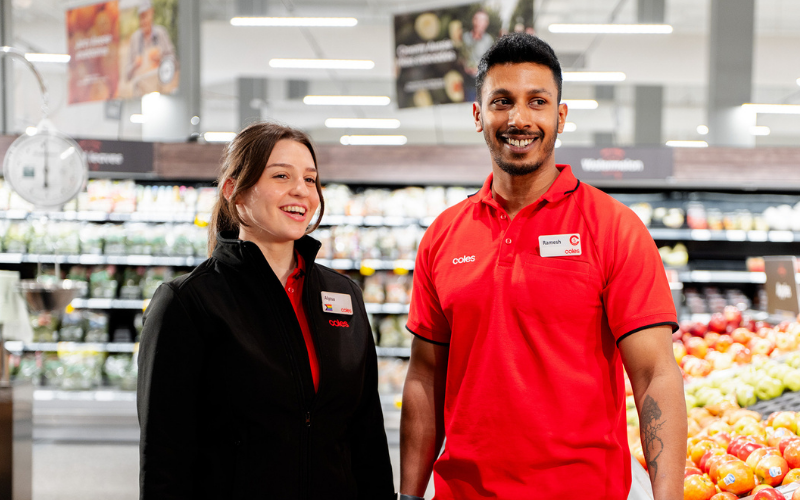
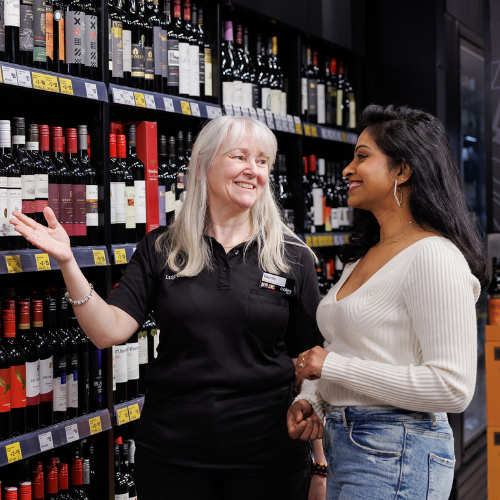
Store teams & leadership
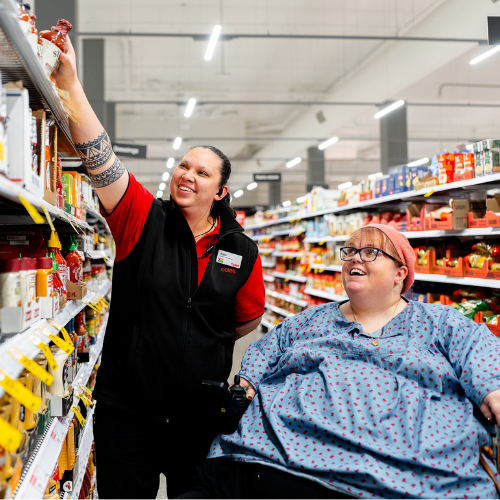
From serving customers to leading teams, discover exciting career opportunities across our stores at Coles.
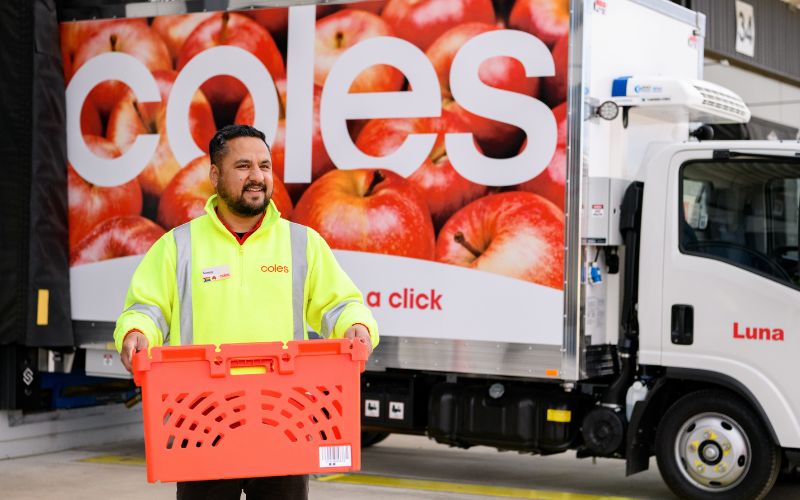
Customer fulfilment
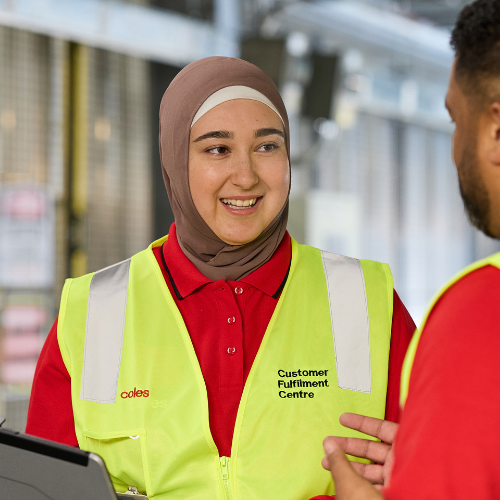
Join our Customer Fulfilment Centre (CFC) and help redefine online shopping by delivering fresh products across Australia.
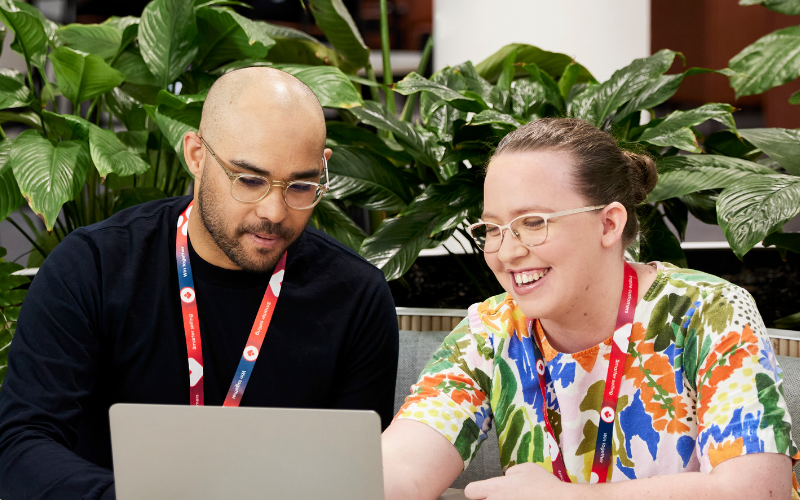
Corporate
Find the corporate career you’re looking for in our Store Support Centres (SSC) across Australia, the engine room of Coles Group.
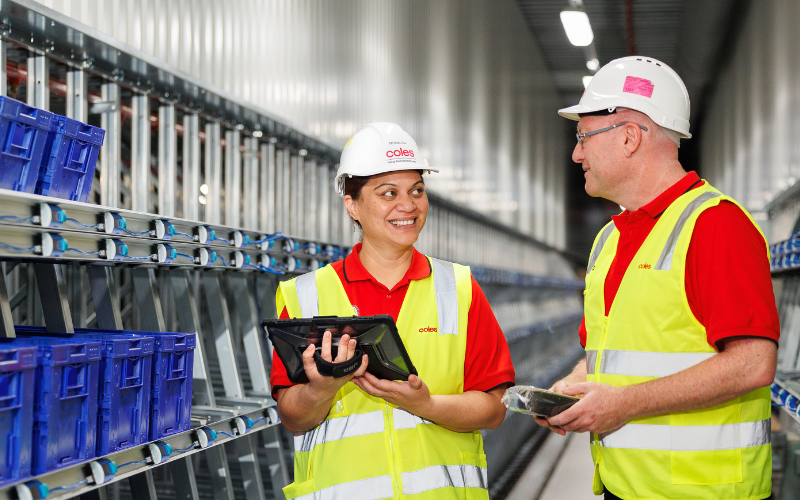
Distribution & Manufacturing
Join our warehouse, distribution, or manufacturing teams to help create and deliver the products our customers rely on every day.
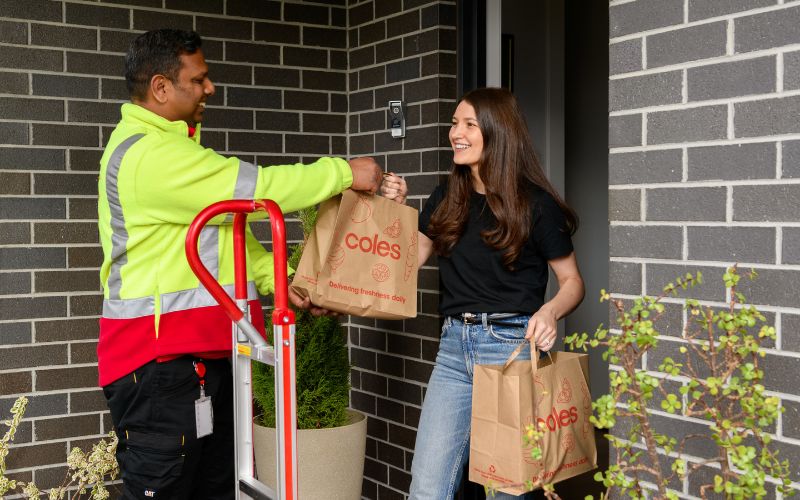
Join our Delivery Driving team.
Get behind the wheel of our iconic Coles vans and help deliver online orders to our customers homes.
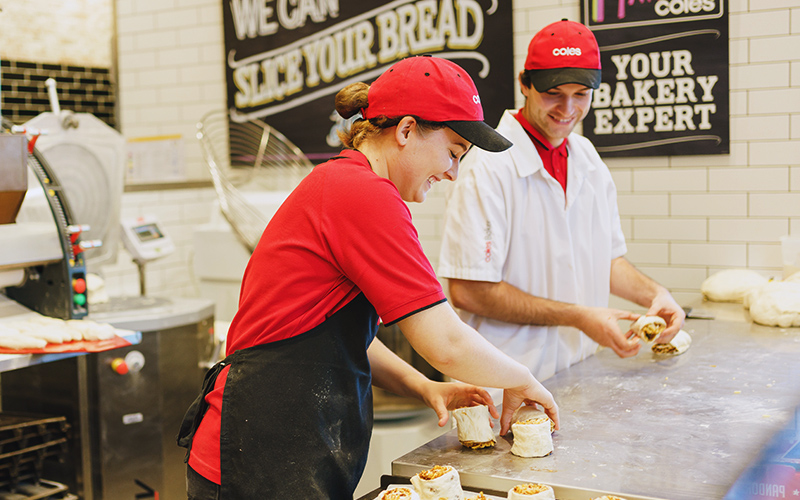
Know your self-raising from your pastry flour?
We’re looking for skilled Bakers who take pride in quality products and love creating great experiences for our customers.
Join the team that can
Looking to join our store teams? Submit an Expression of Interest and we’ll be in touch if there’s a match near you.
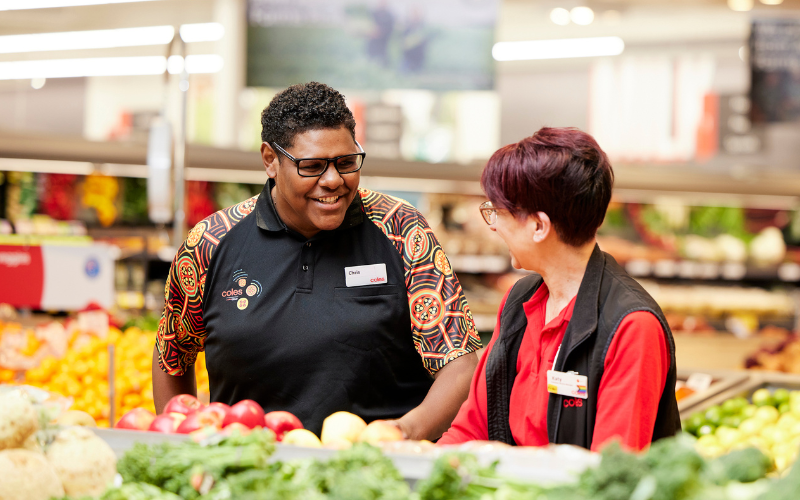

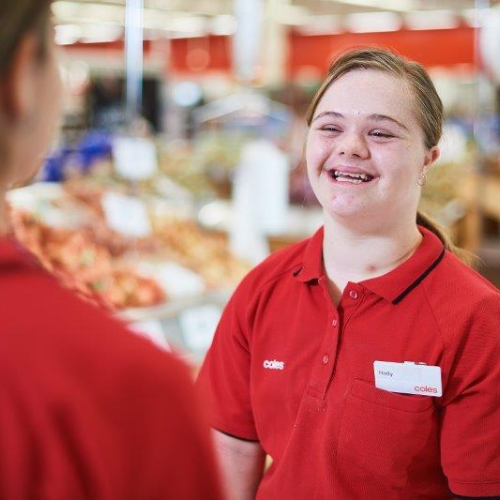
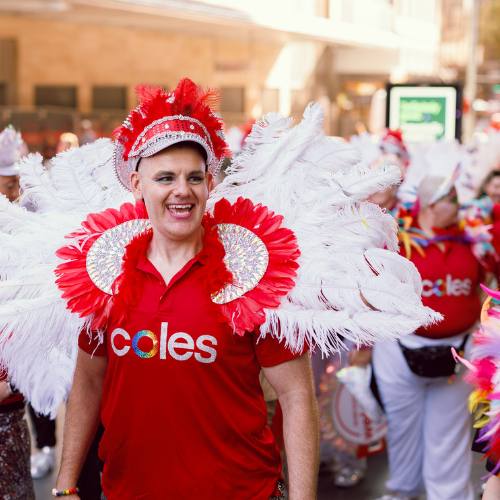
Diversity & inclusion
Discover how diverse backgrounds, experiences and perspectives bring us together and shape Coles Group.

Rewards & benefits
Explore how our world-class benefits empower you to thrive. Because when you give your best, we do too.
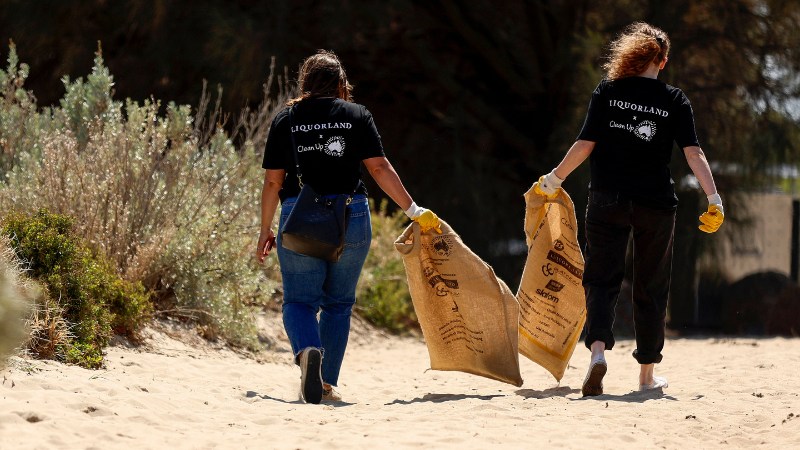
Community & sustainability
See how we're working together to create a better Australia for today and for generations to come.
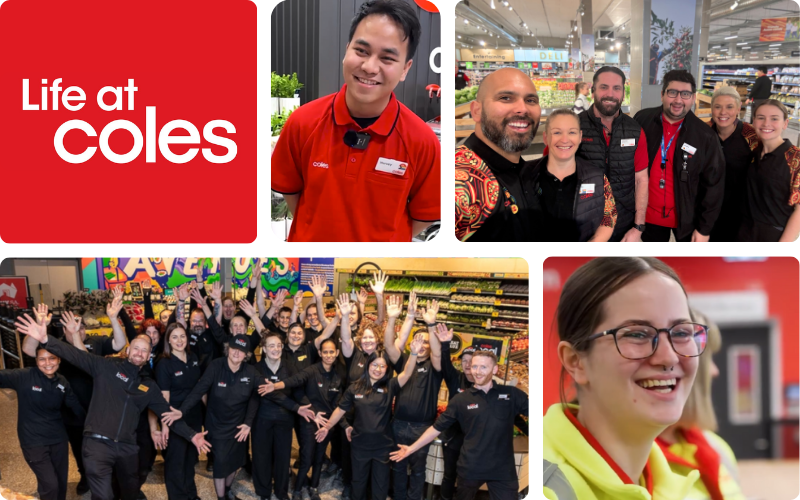
Follow @lifeatcoles
Follow us on Instagram to meet the team behind the shelves.
Hear their stories and check out what’s happening across Coles Group.
Hear their stories and check out what’s happening across Coles Group.







Acknowledgement of Country
Coles Group acknowledges the Traditional Custodians of Country throughout Australia. We recognise their strength and continuing culture and pay our respects to Elders past, present and emerging. We extend that respect to all Aboriginal and Torres Strait Islander peoples, and recognise their rich cultures and continuing connection to land and waters.